LawGrader uses a simple credit model, so the cost is easy to predict.
The rule
- A graded submission costs one credit when the assistant touches it.
- Manual grading is free. If you grade a submission yourself without the assistant, it costs nothing.
- You are billed once per submission. Regrading a submission, or the assistant running more than one step on it, never charges twice.
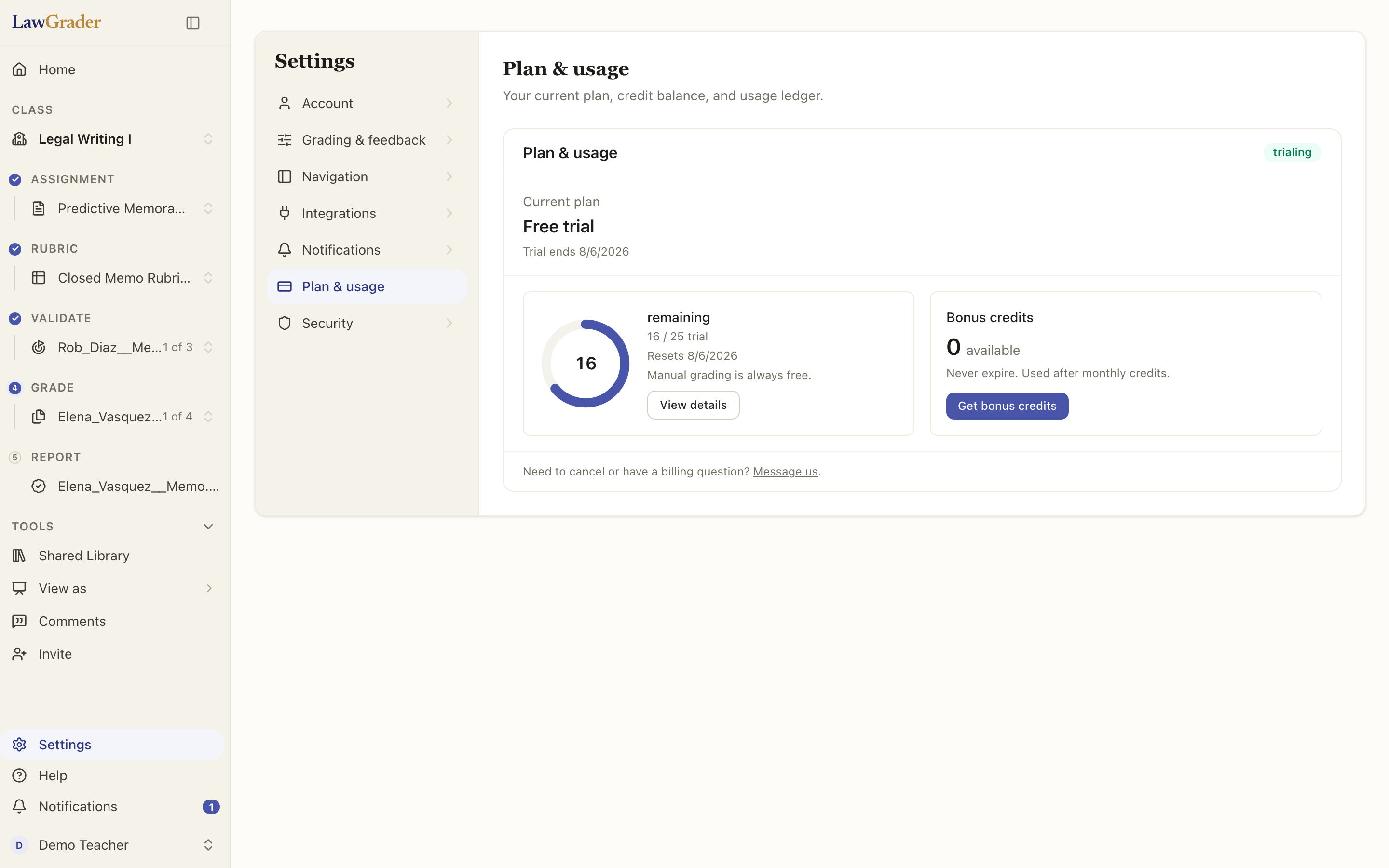
Your balance
Credits come from your plan. Each period your plan's allowance refreshes, and any bonus credits you have been granted do not expire and are used after your monthly ones. You can see your current balance and usage anytime in your account.
School licenses
If your school has a license, you grade without buying credits, and Plan & usage names your school's license. A license carries a generous monthly limit, per teacher and for the school as a whole. If a limit is reached, AI grading pauses until the 1st of the next month; manual grading stays free. Message support from your account if you need more sooner.
Getting started
New teachers get a free 14-day trial: 50 AI-graded submissions, no credit card. It starts when you set up as a teacher. When it ends you move to the free plan, where manual grading and rubric templates stay free and your classes and grades stay put. To keep the assistant, choose a plan in Settings, under Plan.